GitLab安装好后系统默认是英文界面,为了方便使用,我们可以对系统进行汉化。
感谢gitlab中文社区提供系统汉化包
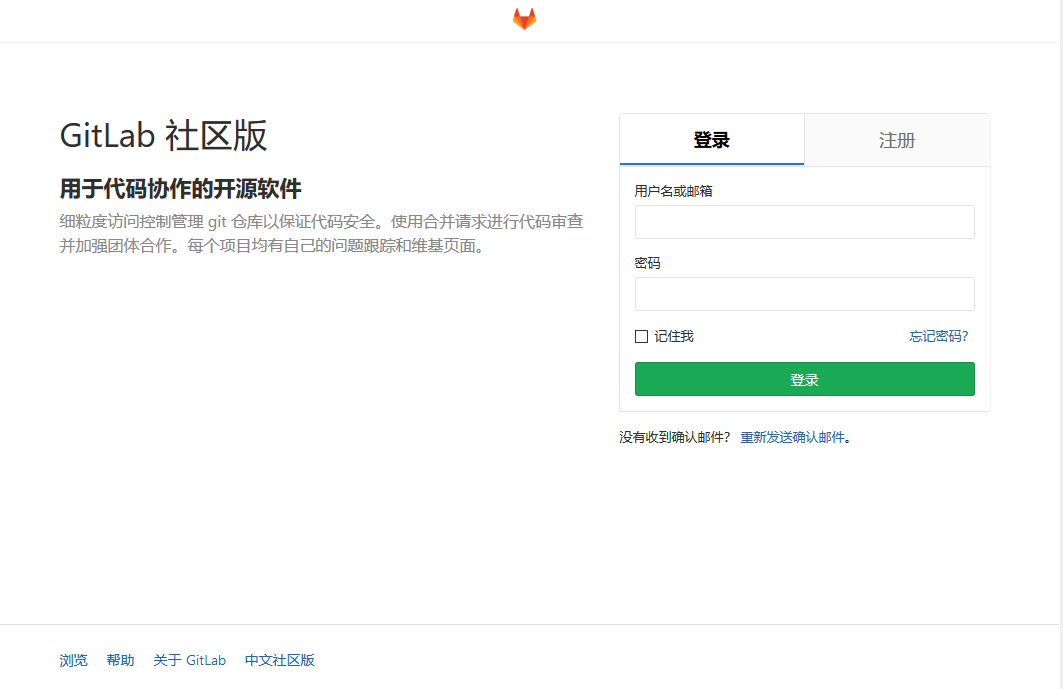
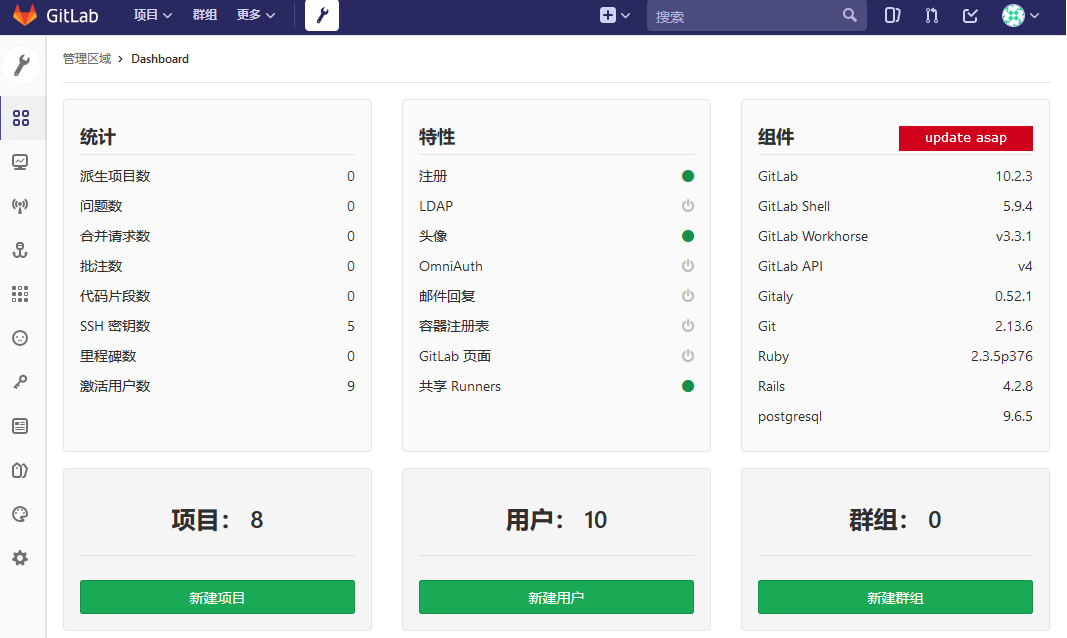
下面介绍一下汉化的具体过程:
1、中文社区版
https://gitlab.com/xhang
#apt-get install git
#mkdir tmp
#git clone https://gitlab.com/xhang/gitlab.git
2、查看当前全部分支版本
git branch -a
3、对比版本,生成补丁包
git diff remotes/origin/10-2-stable remotes/origin/10-2-stable-zh > ../10.2.4-zh.diff
4、停止服务器
gitlab-ctl stop
5、打补丁
patch -d /opt/gitlab/embedded/service/gitlab-rails -p1 < /data/temp/10.2.4-zh.diff
6、启动服务器
gitlab-ctl start
gitlab-ctl reconfigure
http://www.lazyedu.com/opensource-server/gitlab-zh.html
http://www.lazyedu.com/opensource-server/gitlab-zh.html